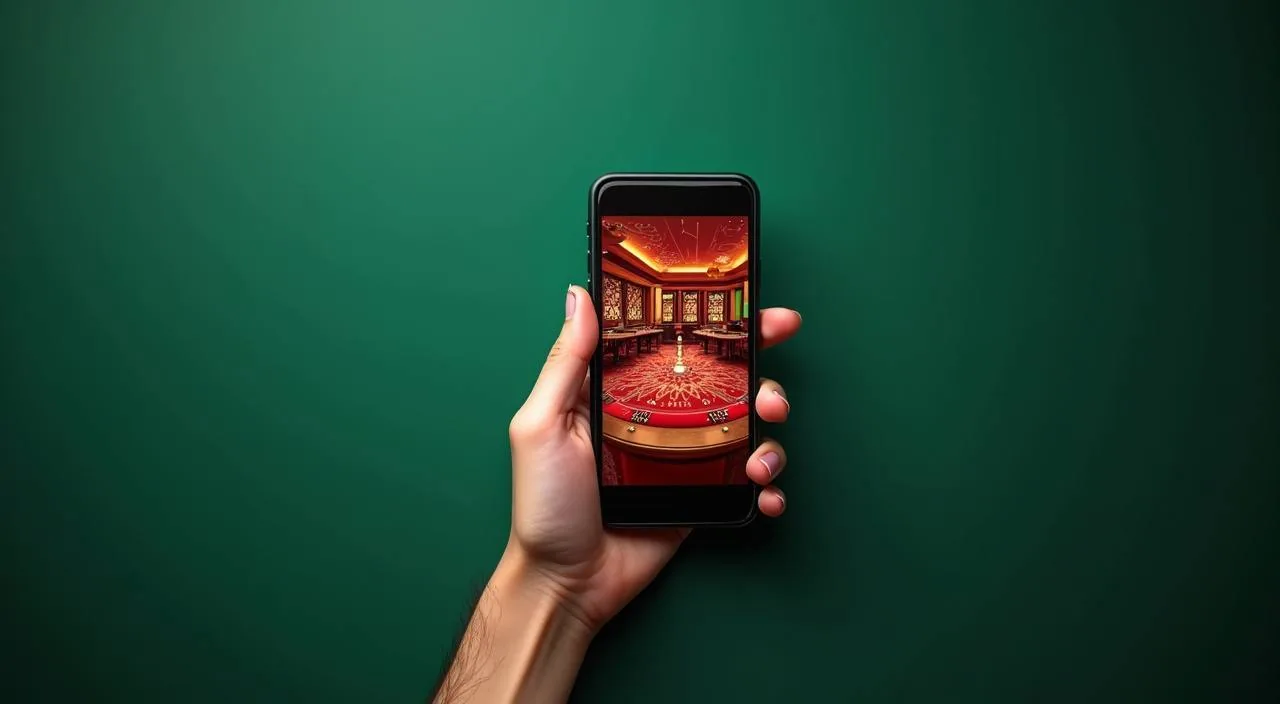
bdjackpot runs fully in your mobile browser — no app store required. Your account, wallet, and the full game lobby load from the same URL you use on desktop, sized for your screen. Check the published device guidance on the site to confirm your browser meets the current requirements before signing in.
When you open bdjackpot on a mobile browser, the layout shifts to a single-column view with the navigation menu tucked behind the header icon. Your account balance, transaction history, and the game lobby are all reachable from that menu — no separate app needed. The sports section, which covers cricket fixtures including BPL and international matches, sits alongside slots from Spadegaming, PG Soft, CQ9, and Bigtime Gaming in the same scrollable lobby. Tap any game card to load it directly in the browser tab. Your wallet page — where you can review deposit records and check a pending transaction — is one tap from the account icon at the top right. If a page does not render correctly, the site's help section lists the browsers currently confirmed to work. Check that page first before switching devices, because the issue is usually a browser version rather than the handset itself.
BROWSER FEATURE SNAPSHOT
What the Mobile Browser View Gives You
Four things stand out when you use bdjackpot on a phone browser rather than a desktop tab. Each one reflects what the responsive layout is built to handle.
Single-tap lobby
The game lobby reflows into a vertical scroll on narrow screens. Tap a title from Spadegaming, CQ9, PG Soft, or Bigtime Gaming and it opens in the same browser tab without redirecting you to an external launcher.
Account menu access
Your full account — balance, deposit records, transaction history — is behind the header icon. The path from the lobby to your wallet page takes two taps, the same steps you would follow on a desktop session.
Sports section on mobile
The sportsbook section, including cricket markets for BPL and international fixtures, loads in the responsive layout. Odds and fixture lists reflow to a single column so they remain readable on a standard phone screen.
Help pages on device
The support and FAQ pages load on mobile the same way they do on desktop. If you hit a browser compatibility issue, the published help section lists confirmed browsers — check that before contacting support.
THREE STEPS TO START
Get Into the Lobby in Three Steps
There is no file to download and no store listing to find. Access works through the browser you already have on your phone. Start by opening your mobile browser — Chrome and most Chromium-based browsers on Android work with the responsive layout, and Safari on iOS handles the same pages without a separate build. Type the current bdjackpot domain into the address bar rather than searching for it, so you land on the right URL from the start. Once the page loads, check the header: if the navigation menu icon appears and the lobby tiles render, your browser is compatible. The second step is signing in to your account using your registered credentials. The login form on mobile is the same form as desktop — enter your details and confirm.
Open the site in your browser
Type the current bdjackpot address directly into your mobile browser address bar. Avoid third-party links — use the domain you already know to make sure you are on the right page.
Confirm your browser is compatible
Check the published device guidance in the help section. If the lobby tiles and header navigation load without layout errors, your browser version is supported for this session.
Sign in and access your account
Enter your account credentials on the login page. Once authenticated, your balance, game lobby, and transaction records are all reachable from the header menu in the same browser tab.
DEVICE COMPATIBILITY CHECK
Check Your Device Before You Start
Not every browser version handles the responsive layout the same way. Here is what to verify before your first mobile session.
Browser version
The site's help section lists the browser versions currently confirmed to work. Check that page and update your browser if the version shown there is newer than what you have installed.
Screen layout check
After the page loads, confirm the lobby tiles and header navigation appear without overlap. A broken layout usually points to an outdated browser rather than a device hardware issue.
Account access requirements
Your account credentials are the same on mobile as on desktop — there is no separate mobile login. If you cannot sign in, use the published account recovery path rather than creating a new account.
Data connection
The lobby and live sections pull content in real time. A stable mobile data or Wi-Fi connection prevents mid-session loading errors, particularly in the sports section where odds update continuously.
Published device guidance
bdjackpot publishes current device and browser guidance in the help section. That page reflects the actual tested configurations — check it when a new browser update releases to confirm ongoing compatibility.
HELP FOR MOBILE USERS
Reach Support When Your Browser Session Has an Issue
If something is not loading correctly on mobile, the published support routes on the site are your first stop. Each one handles a different type of problem.
Help section on-site
The site's help and FAQ pages cover the most common browser compatibility questions. Check there first — the listed answers reflect current confirmed device configurations and save a round-trip to the support team.
Live chat on mobile
The live chat widget loads on mobile the same way it does on desktop. Open it from the help section if your issue is not covered by the published FAQ. Have your account details and the browser version ready before you start the chat.
Account recovery path
If you cannot sign in during a mobile session, use the published account recovery steps shown on the login page. Do not attempt to register a second account — the recovery path is the correct route and avoids account complications.
STAY SECURE ON MOBILE
Account Security Checks for Mobile Access
A mobile browser session carries the same account security requirements as a desktop one. These four checks keep your access safe.
Verify the domain
Before entering credentials, confirm the address bar shows the correct bdjackpot domain. Phishing pages copy layouts but cannot replicate the exact domain — check the URL every session, not just the first time.
Review published device guidance
The site's help section publishes the current list of tested browsers and known compatibility notes. Checking it after a browser update takes thirty seconds and prevents login problems caused by a version change.
Protect your credentials
Do not save your account password in a shared browser profile. On a personal device, use the browser's built-in password manager rather than writing credentials into notes or messages where they are easier to intercept.
Use the published recovery path
If you lose access to your account — wrong password, locked session, or a browser that cleared stored data — follow the recovery steps on the login page. That path is published and verified; third-party recovery offers are not affiliated with bdjackpot.
COMMON APP QUESTIONS
Questions About bdjackpot Mobile Access
Real questions about how mobile access works on bdjackpot, answered from the platform side.
Does bdjackpot have a native app I can download from the Play Store or App Store?
At the time of writing, bdjackpot does not have a store-listed native app. Full account and lobby access is available through your mobile browser. Check the help section on the site for any updates to app availability, as that page reflects the current published status.
Which browsers work with bdjackpot on mobile?
The help section on the site lists the browser versions currently confirmed compatible with the responsive layout. Chrome and Chromium-based browsers on Android cover most cases. Always check the published guidance after a browser update, since version changes occasionally affect how the lobby renders.
Can I access my wallet and transaction history from my phone?
Yes. Your wallet page — including deposit records and transaction history — is accessible from the account icon in the header on mobile. The path is the same two-tap route you would use on desktop. No separate mobile wallet section is needed.
What should I do if the lobby does not load correctly on my phone?
First, check your browser version against the compatibility list in the site's help section. Most layout errors come from an outdated browser rather than the handset itself. If the browser is current and the issue continues, reach the support team via the live chat widget on the help page.
Is my login the same on mobile as on desktop?
Yes. You use the same account credentials on both. There is no separate mobile login or PIN. If you cannot sign in on mobile, use the account recovery steps shown on the login page — that is the published route for regaining access regardless of which device you are using.
Does bdjackpot mobile access work for the sports section, including cricket markets?
The sportsbook section, which includes cricket fixtures for BPL and international matches, loads in the responsive layout on mobile. The odds and fixture lists reflow to a single column. Availability depends on your local law and eligible regions — check the terms shown in the sports section for the current access conditions.
 Live / App